1. Choose
Select photos without granting unrestricted access to your library.

Collages for iPhone and iPad
Place two images side by side in a few gestures, or build flexible collages. No account, no ads, no watermarks.
Focused from start to finish
Choose images with the system picker, order them, adjust each crop, and see the result right away. Then save or share.
Select photos without granting unrestricted access to your library.
Join horizontally or vertically, or create a collage with precise proportions.
Create a new high-quality file with no watermark or source metadata.
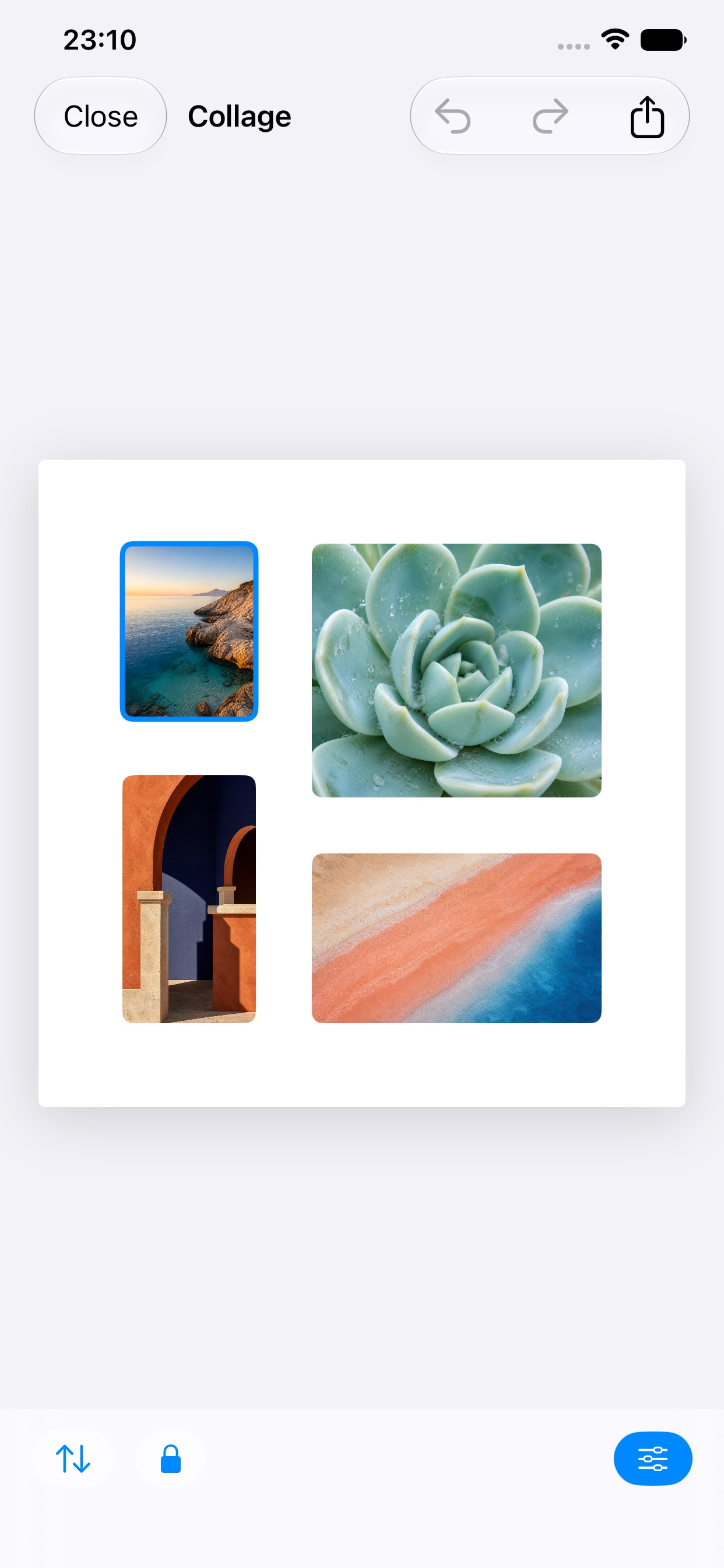
Control when you need it
Simple pricing, too
The free feature remains useful and complete. Pro unlocks advanced tools with one non-consumable purchase—never a subscription.
Private by default
Composition happens on your device. Mosaico requires no account, uploads no images to a server, and includes no advertising or tracking.
Frequently asked questions
No. You can join two photos horizontally and export the result without a watermark.
No. Mosaico Pro is a single non-consumable purchase handled by Apple.
No. Selection, editing, and export happen on the device.
Yes. Use the same Apple Account and choose “Restore Purchases” in the app.